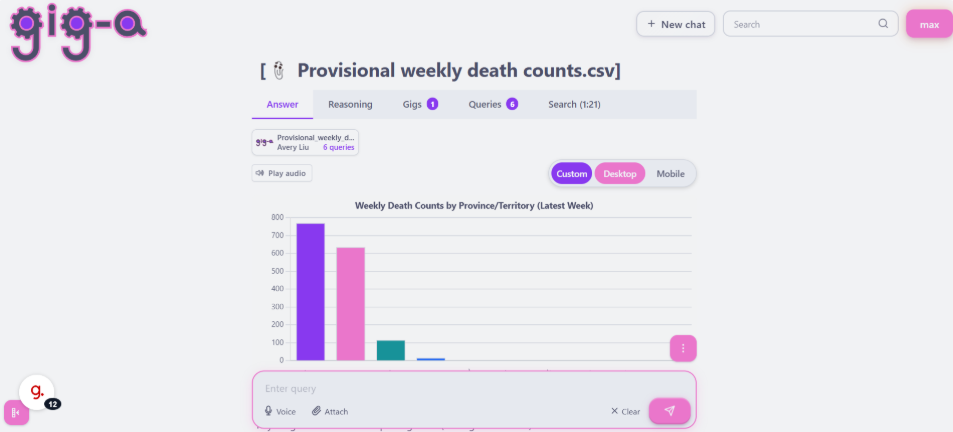
Step by Step Guide
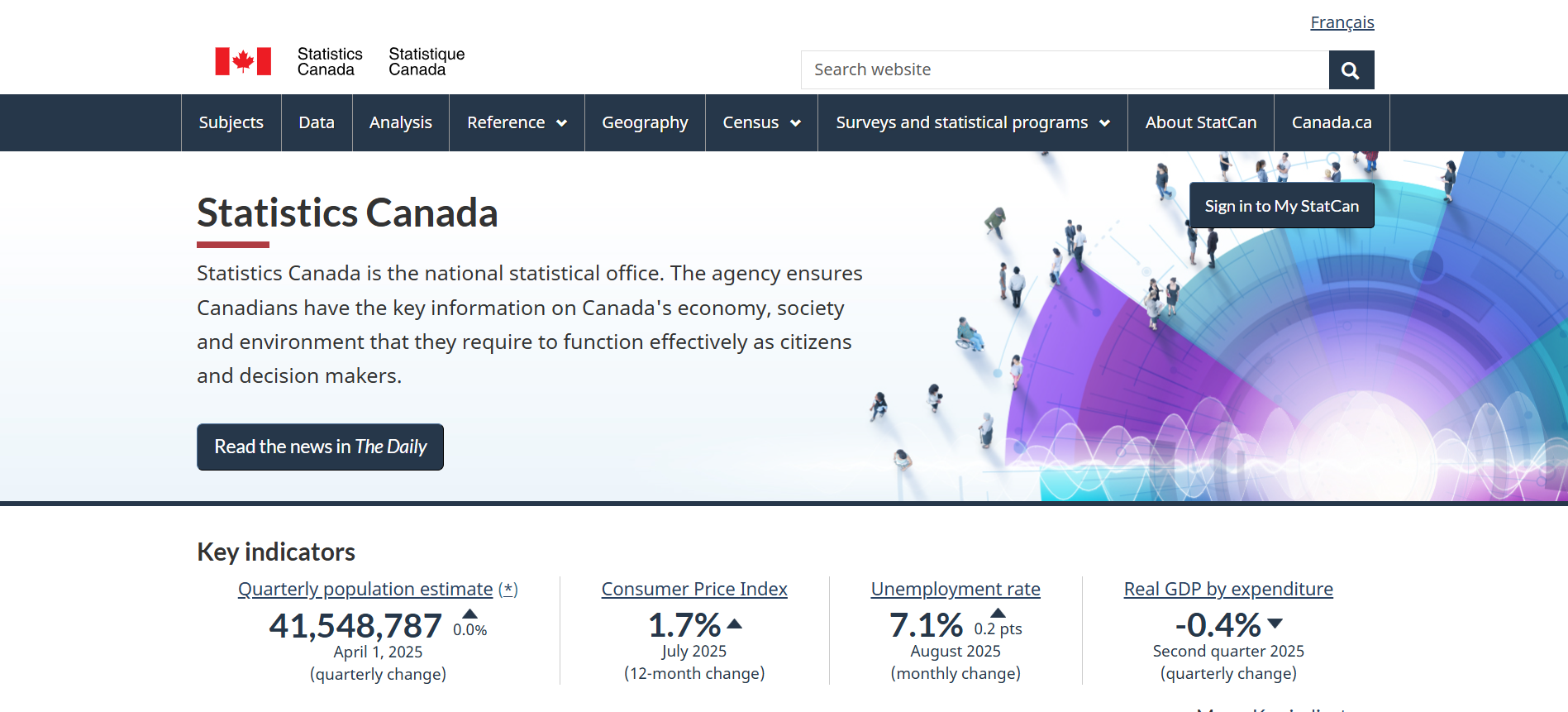
Go to www.statcan.gc.ca
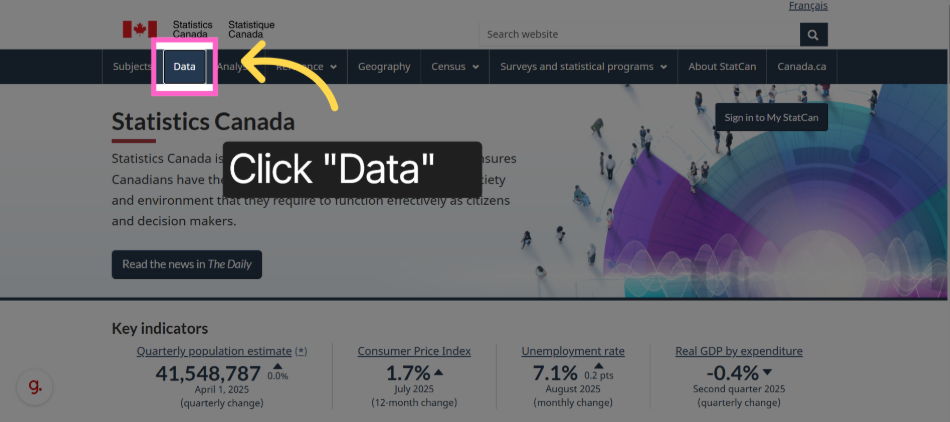
Click "Data"
Enter "Data" page
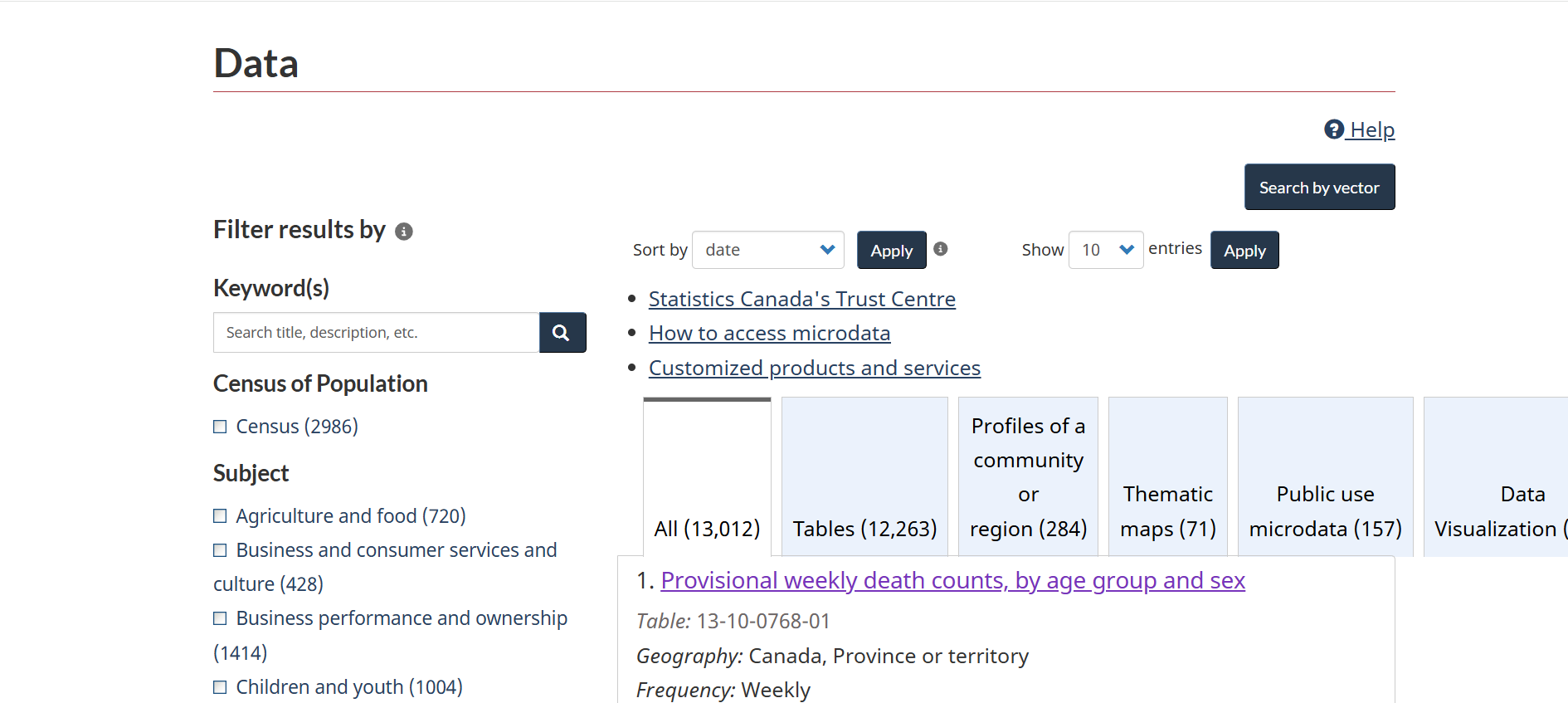
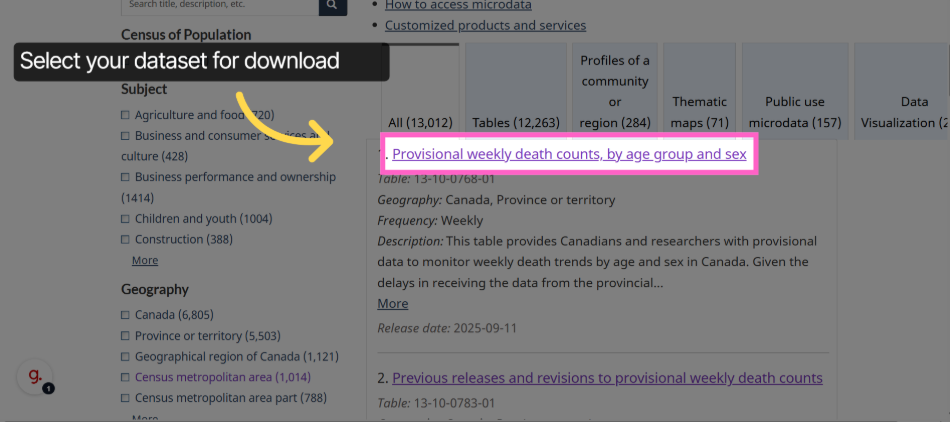
Click the dataset you are looking for
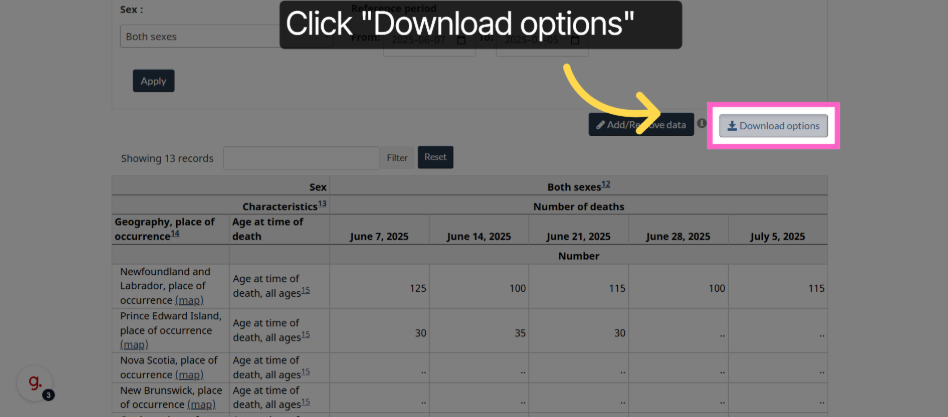
Click "Download options"
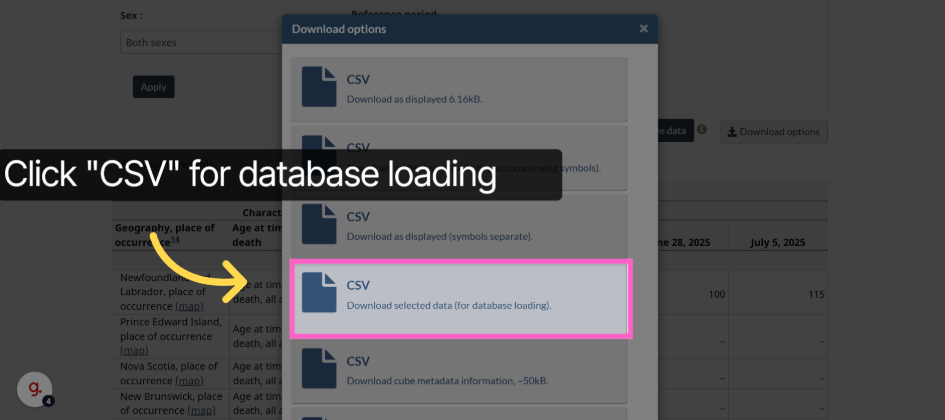
Click "CSV"
Switch to Gig-A website
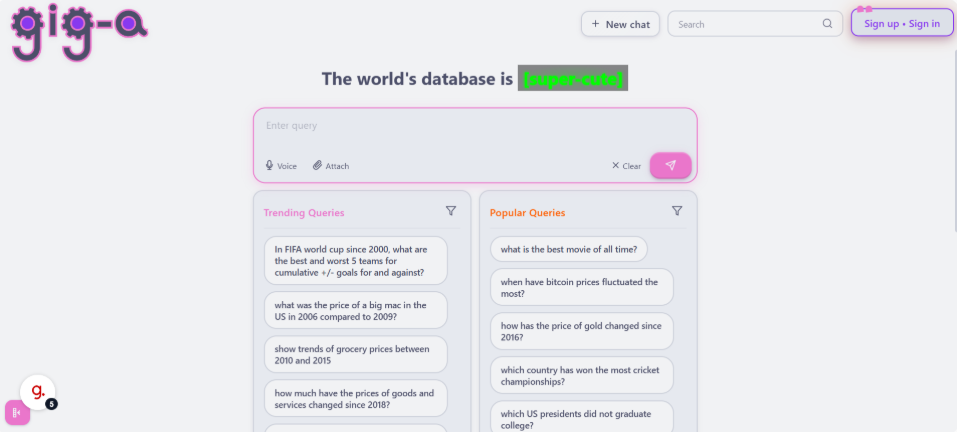
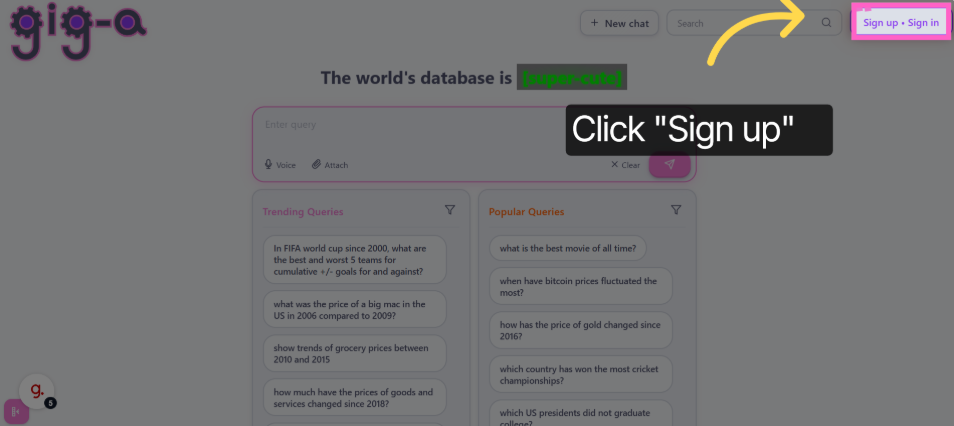
Click "Sign up"
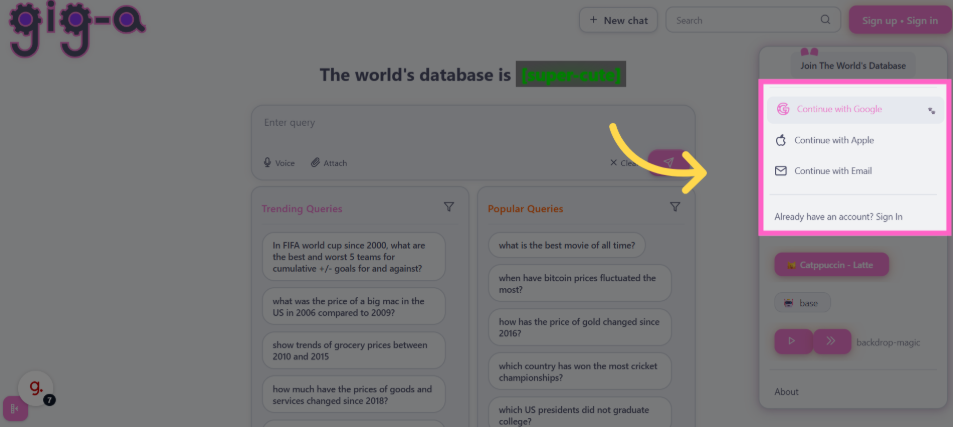
Click convenient authentication method
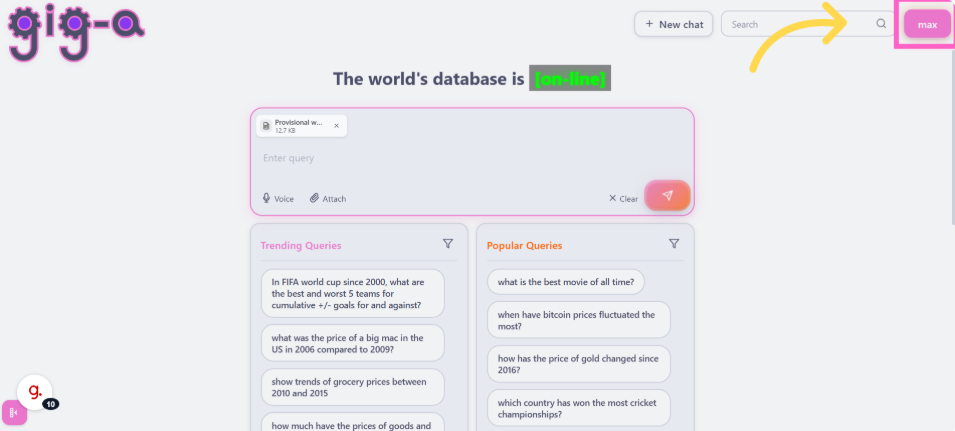
Switch to Gig-A (confirm signed in)
Drag your CSV file to the chat window
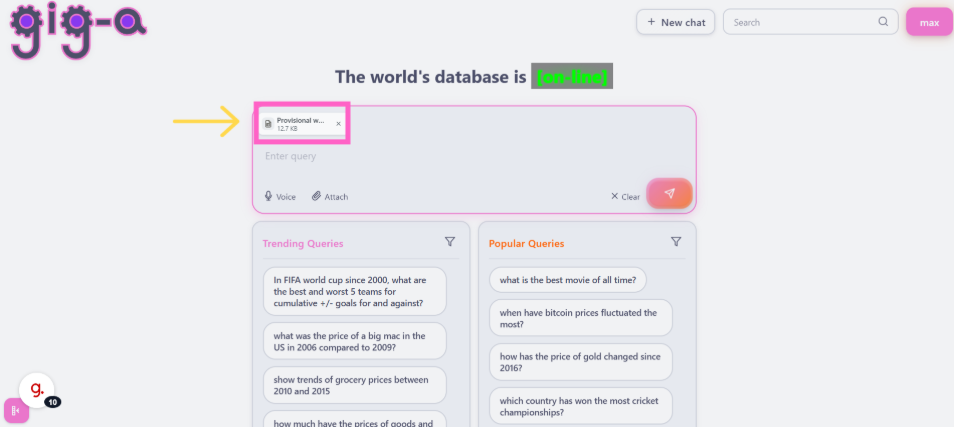
Click the button (start upload)
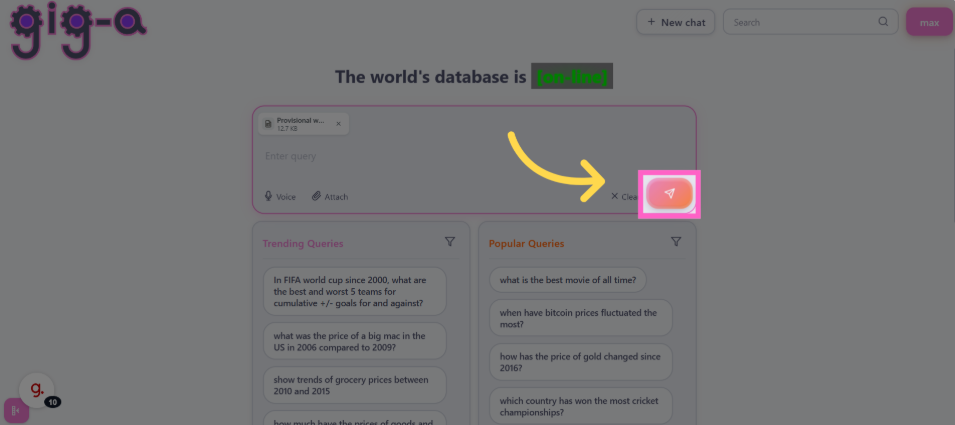
Data was uploaded